May 26, 2026
Features
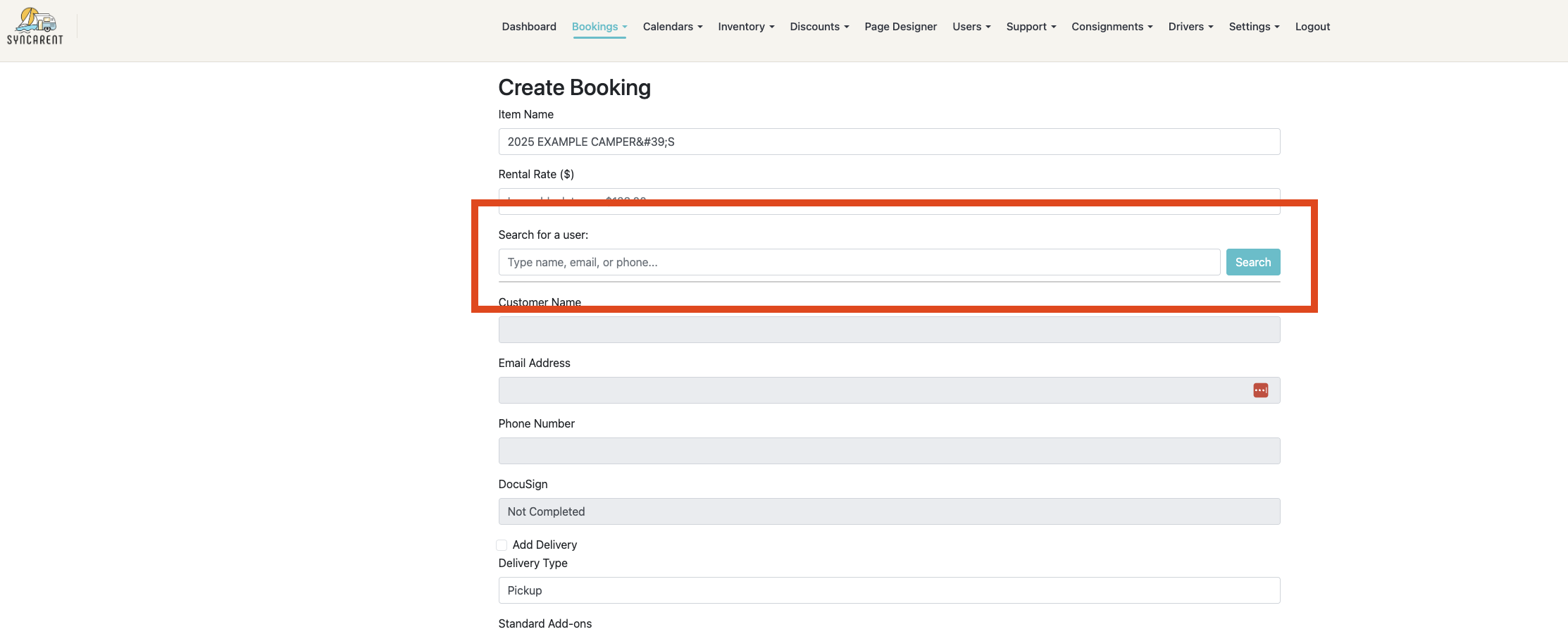
Searching Users When Making a Booking (3.1.4)
Admins are now able to use the search button when searching for users on create booking to make it faster and easier to find and create a booking.
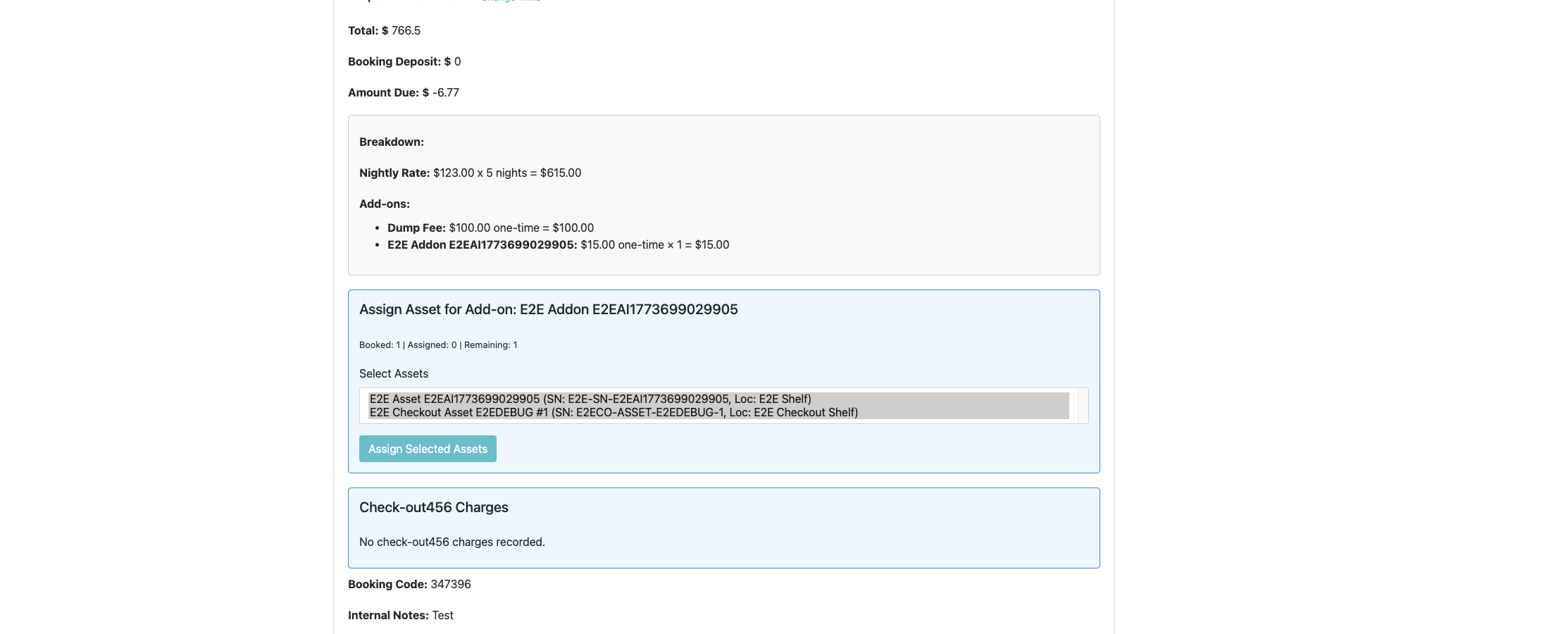
Assign Multiple Assets to One Booking (3.1.4)
Admins can now assign multiple individual assets to a booking when the renter reserved more than one quantity.
Cancelled Booking Assets Return to Availability (3.1.4)
Assets tied to cancelled bookings are now handled more reliably so they can return to available inventory when appropriate.
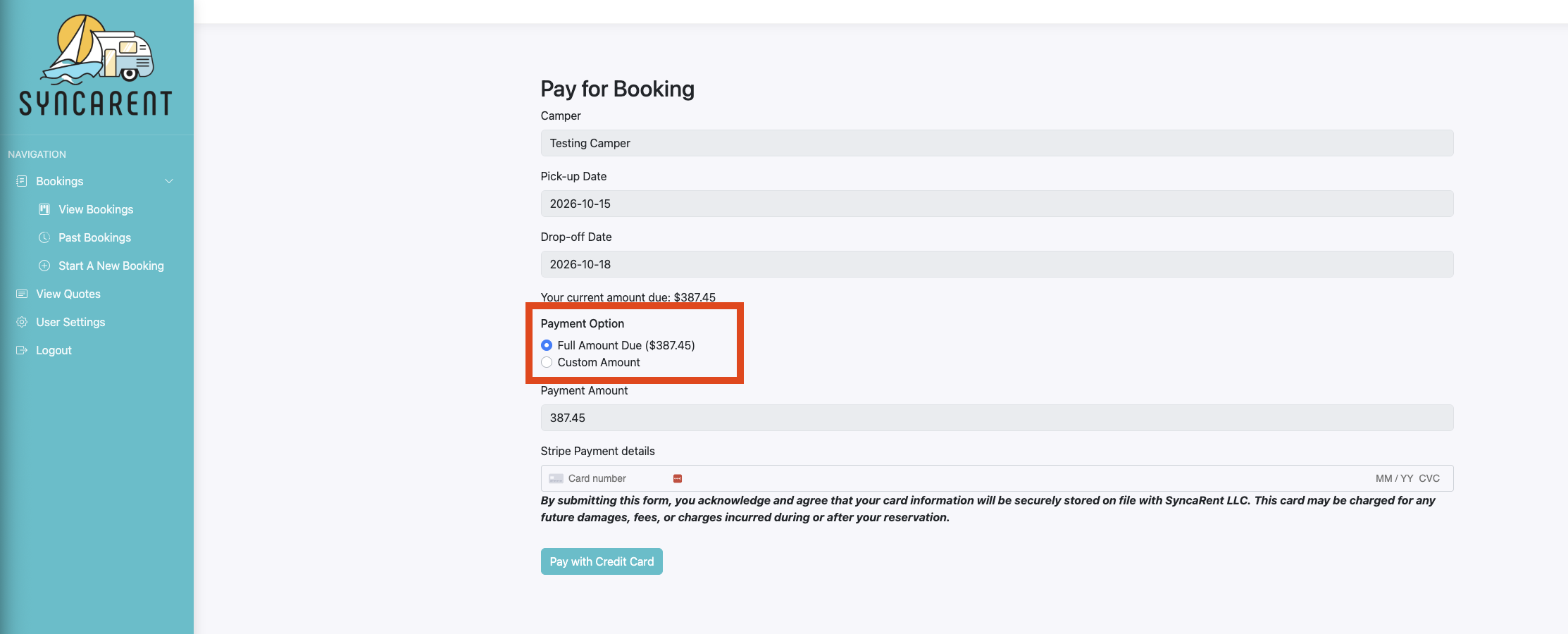
Clearer Customer Payment Options (3.1.4)
The customer payment page now gives renters clearer payment choices, including full amount due, deposit when applicable, and custom payment options when allowed.
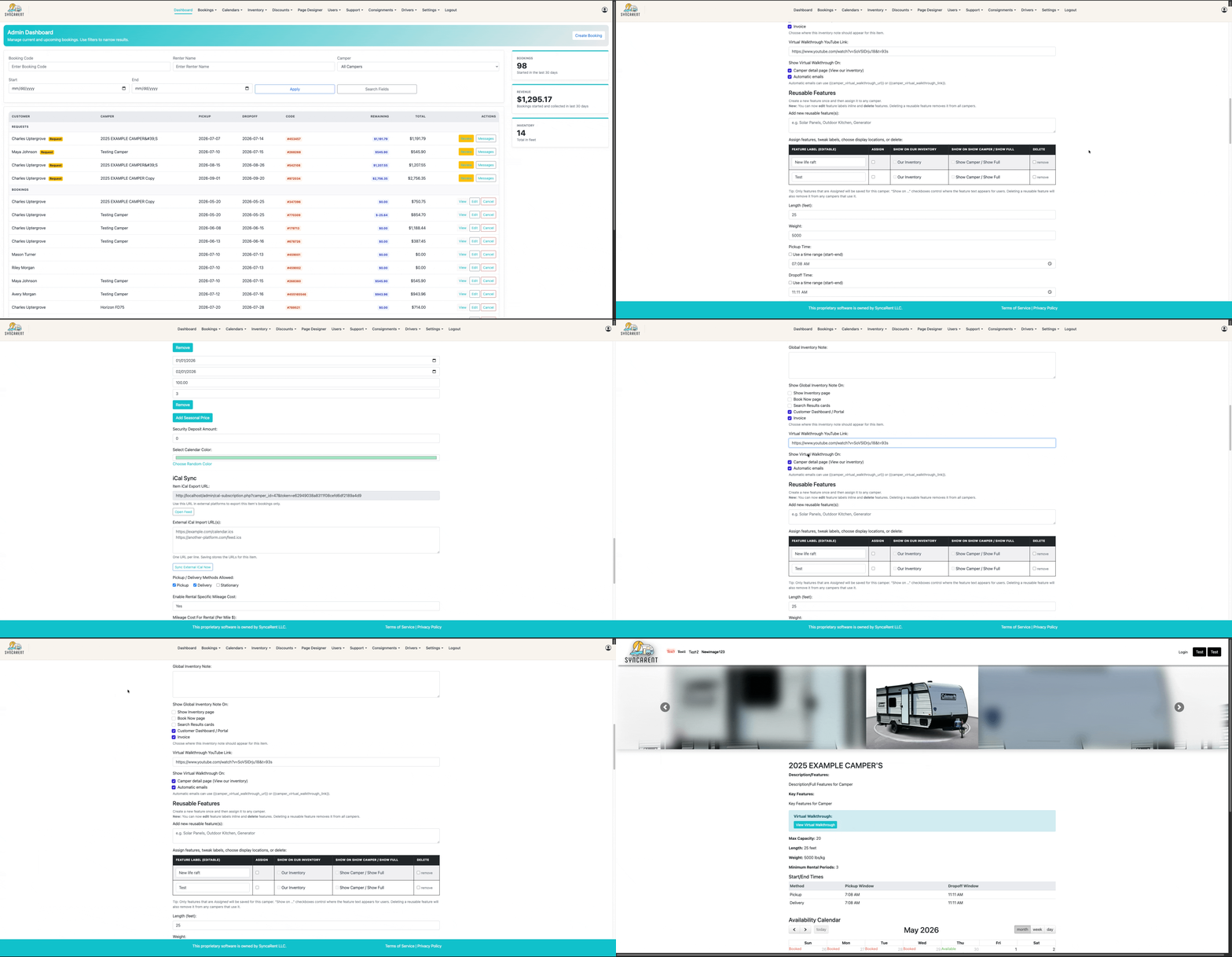
YouTube Walkthrough Links (3.1.4)
Inventory items can now support a YouTube walkthrough link, giving businesses another way to showcase inventory to renters.
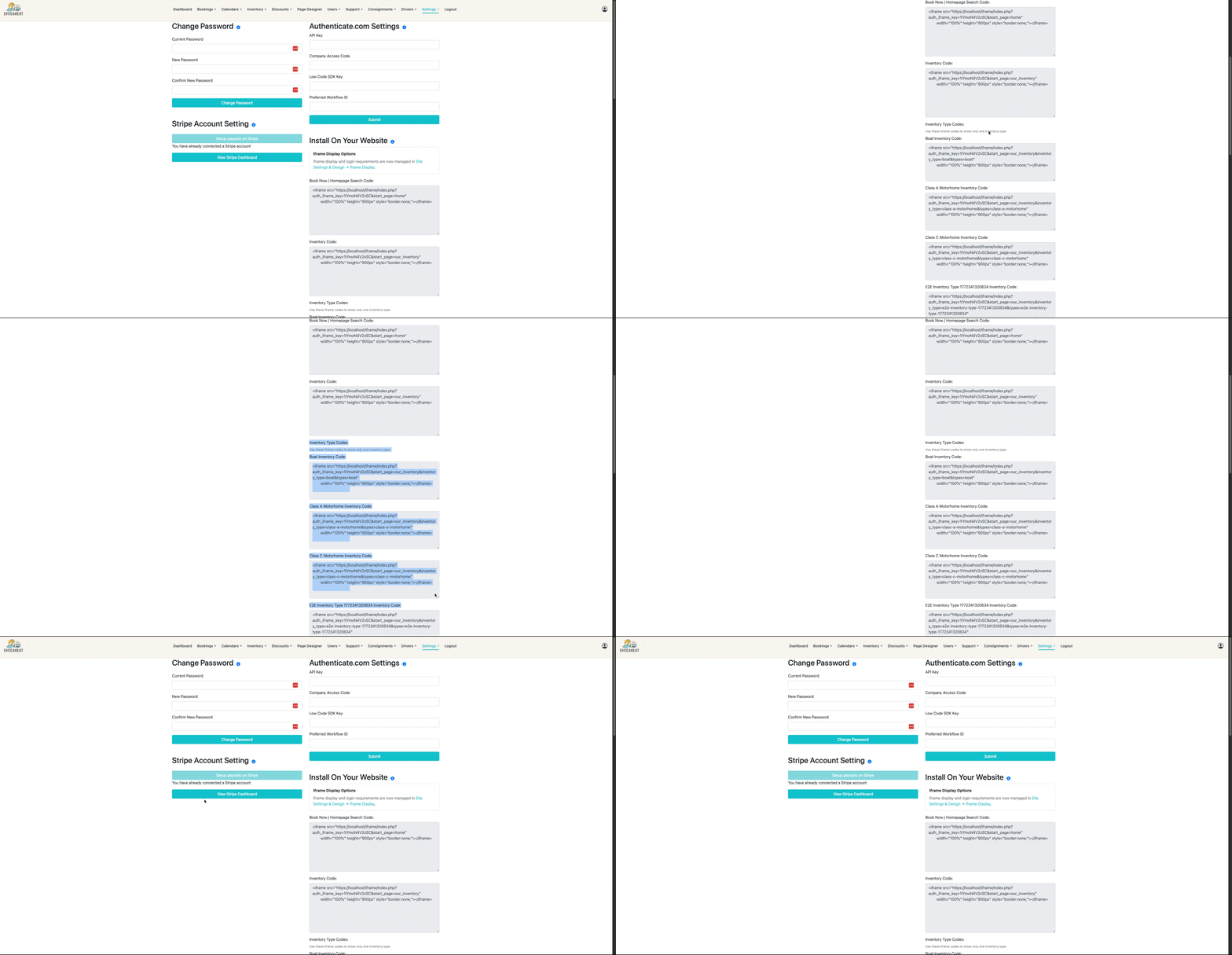
Inventory-Specific Website Display Options (3.1.4)
Website inventory embeds can now better support displaying specific inventory groups, making it easier to show focused sections such as trucks, golf carts, or other inventory types.
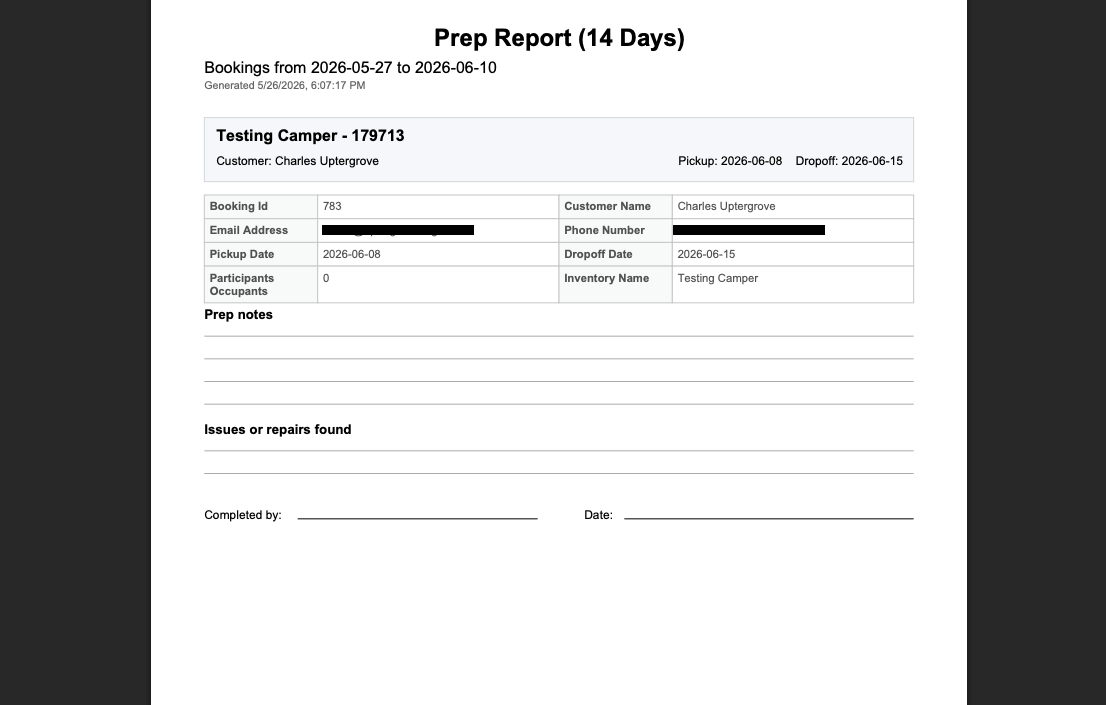
More Usable Prep Sheet (3.1.4)
Prep sheet reporting has been improved to make the output more usable for day-to-day rental preparation workflows.
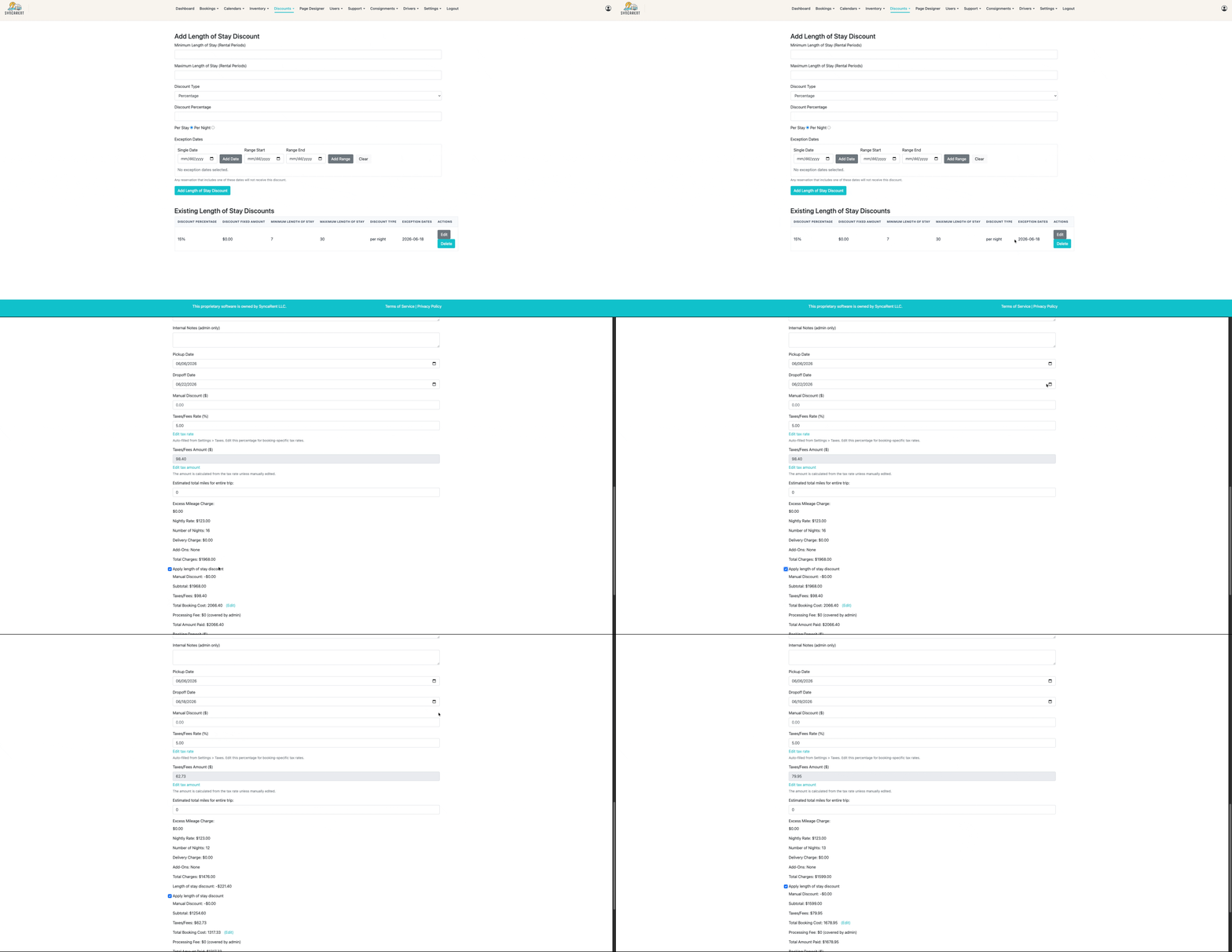
Length of Stay Discount Exceptions (3.1.4)
Length of stay discounts can now better support exception dates, helping prevent discounts from applying during excluded periods such as holidays.
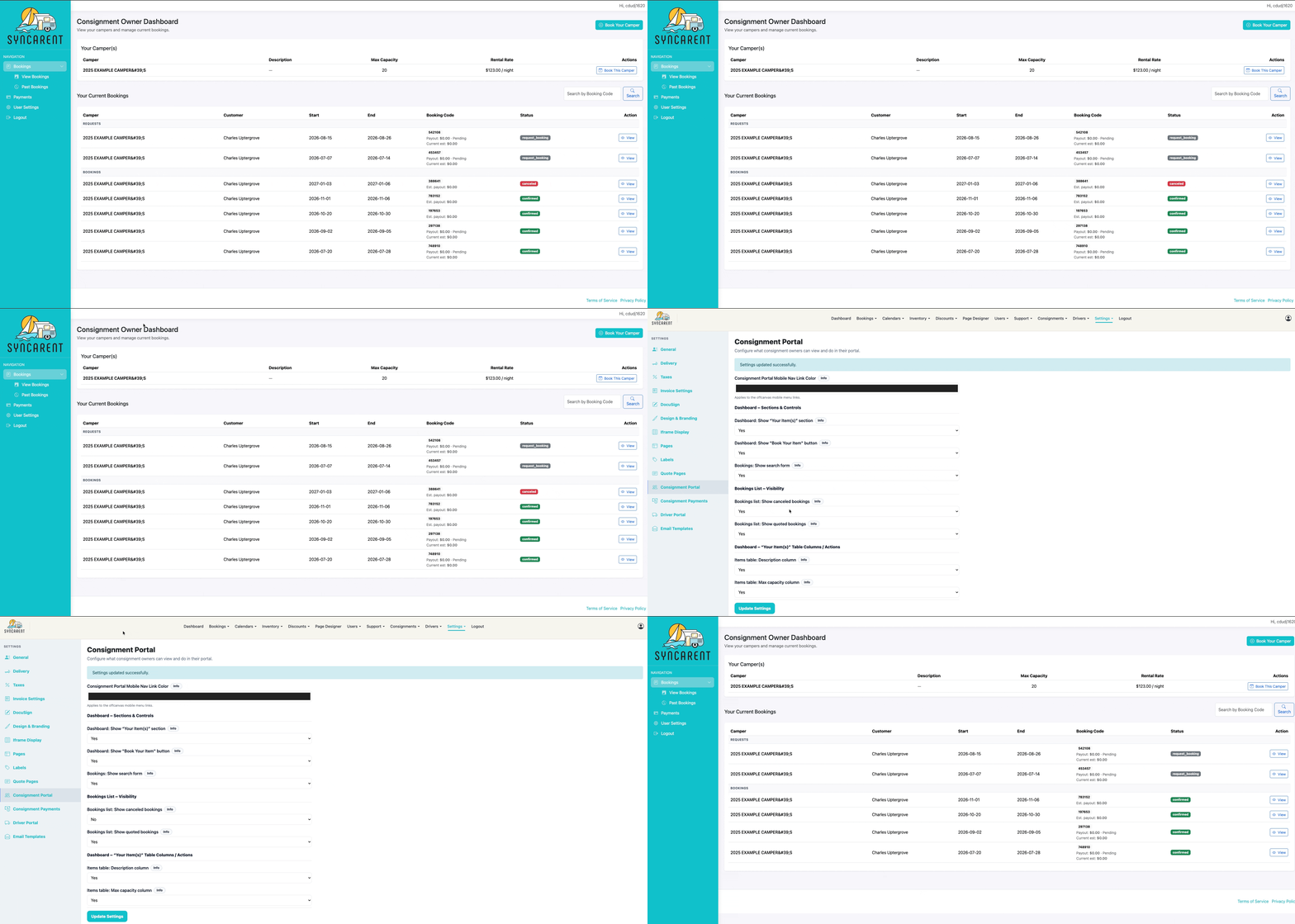
Cleaner Consignment Portal Booking View (3.1.4)
Consignment owners will now have a cleaner booking view that better hides bookings that should not be shown, such as cancelled or quoted bookings.